




The Proximity Sensor – Upgrade your PhotoBooth Experience with Smart Interaction
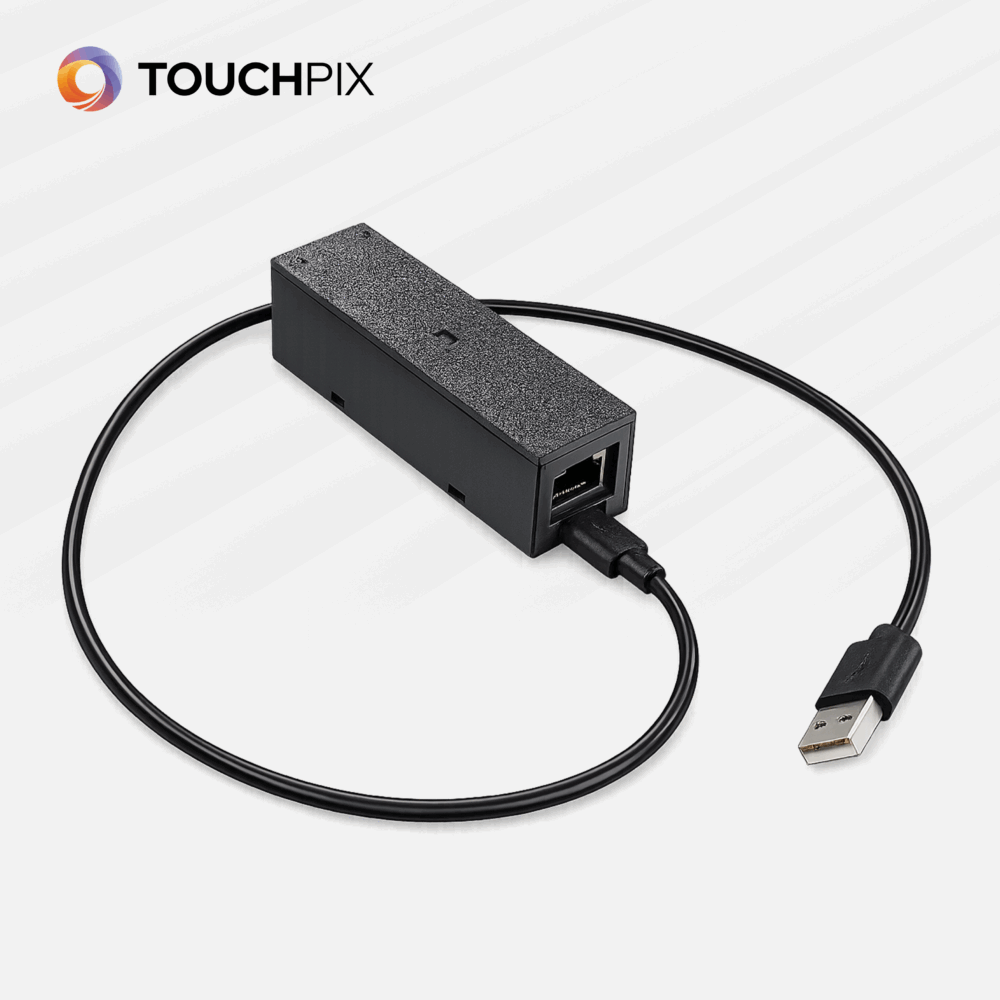
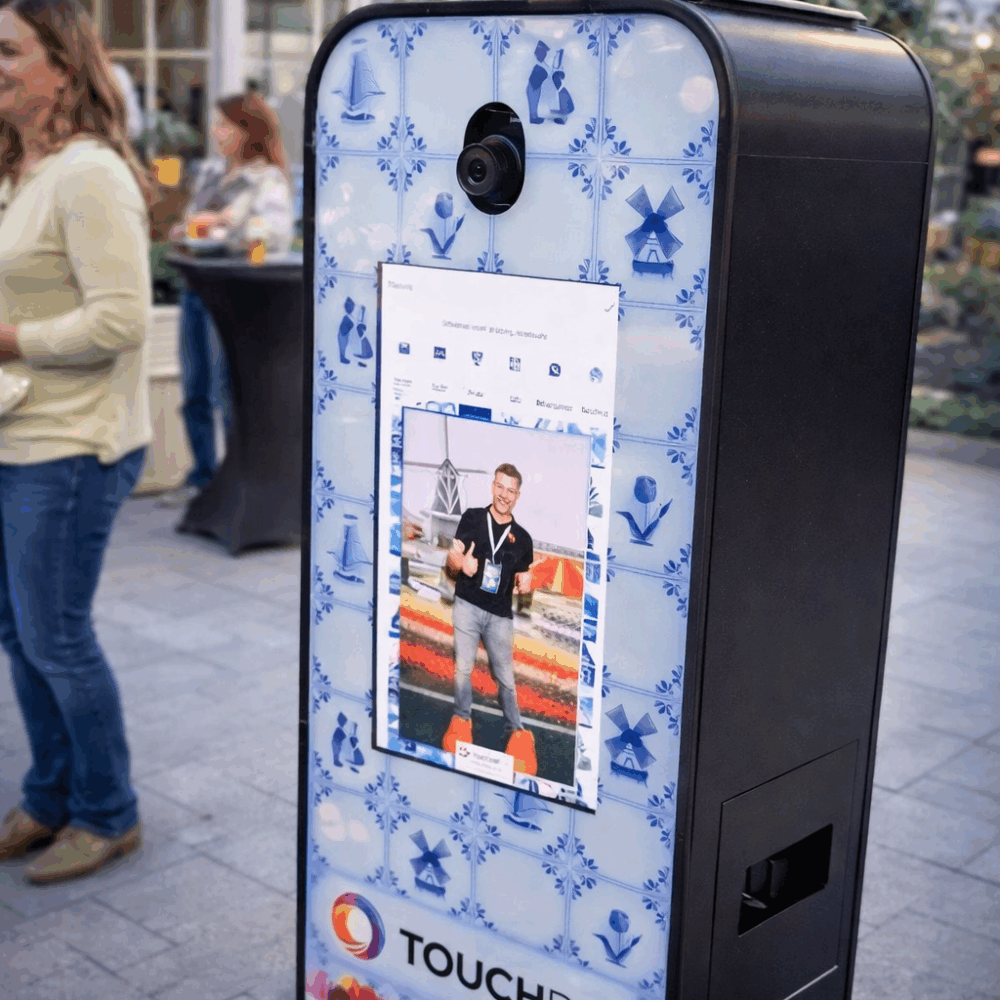
The Proximity Sensor is a smart trigger device designed to take your Touchpix photo booth experiences to the next level.
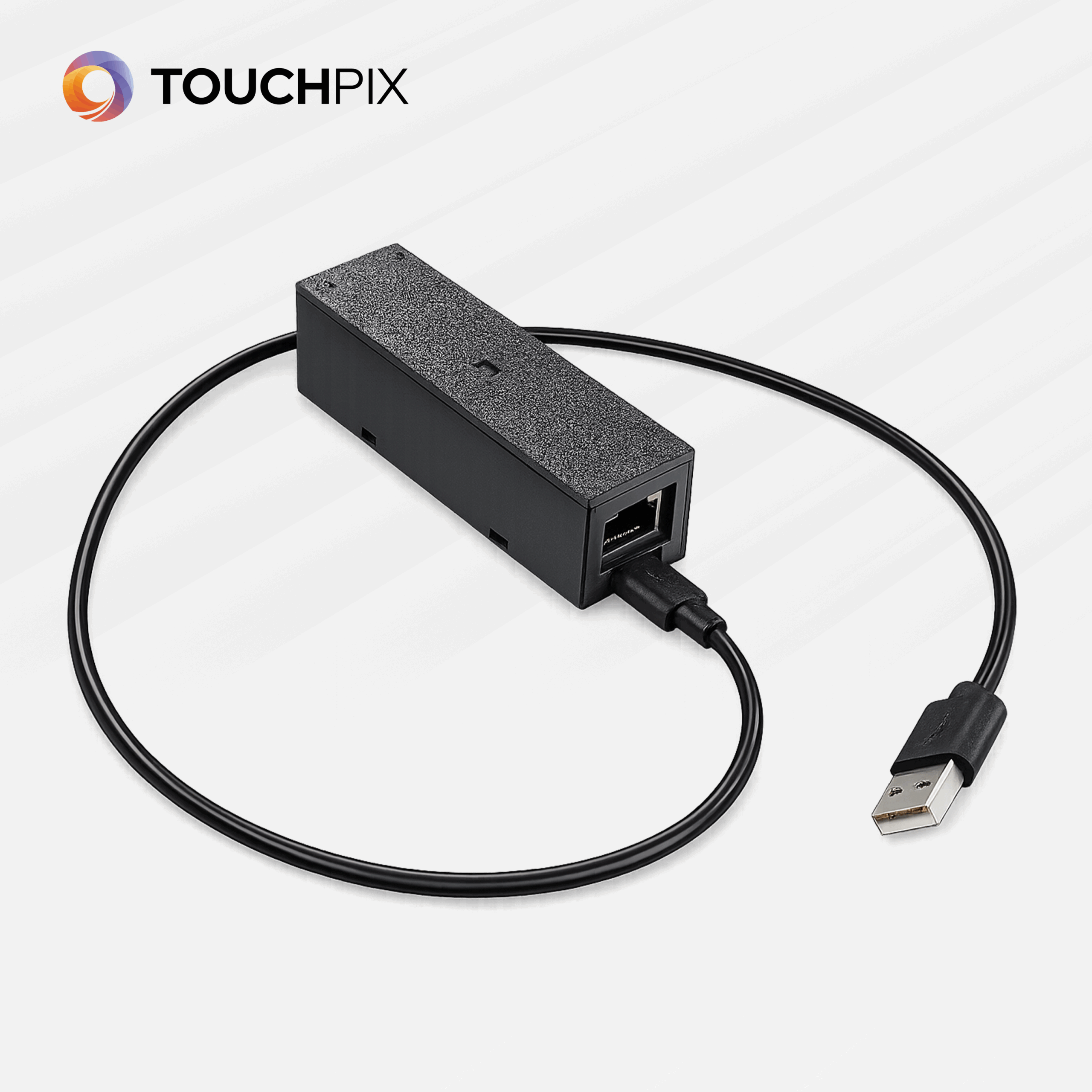
This compact and intelligent device connects seamlessly via Bluetooth or Ethernet, making integration fast and reliable. At its core is a high-precision distance sensor that detects changes in proximity and instantly triggers actions during a photo booth session.
Endless Creative Possibilities
Football Activation
Place the sensor behind a football setup.
When someone kicks the ball away, the distance changes — and the photo session is instantly triggered.
Perfect for:
- Sports activations
- Brand events
- Experiential marketing
Giant Wooden Clogs Setup
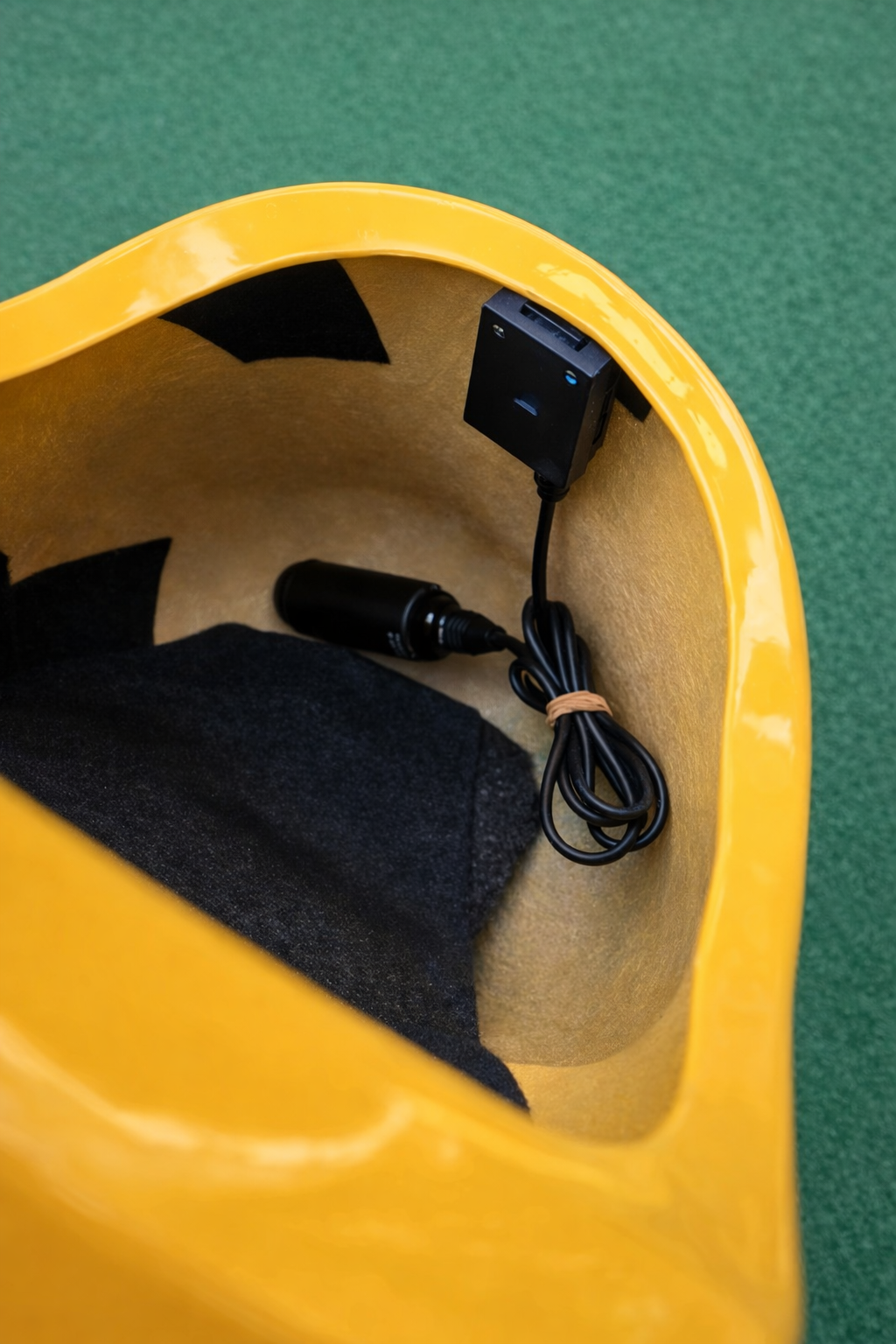
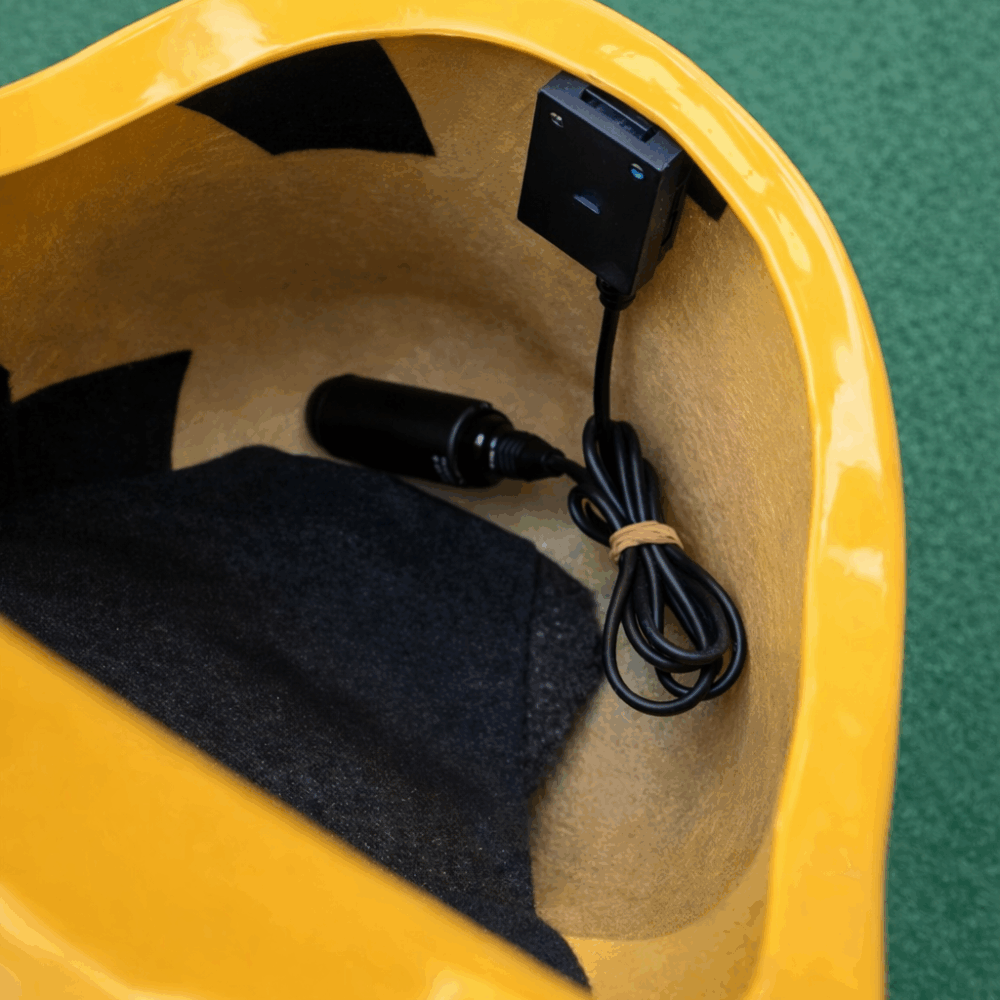
Install the sensor inside oversized wooden clogs.
When a guest steps inside, the measured distance changes and triggers the booth.
Perfect for:
- Dutch-themed events
- Festivals
- Interactive brand experiences
Audio Guestbook Trigger
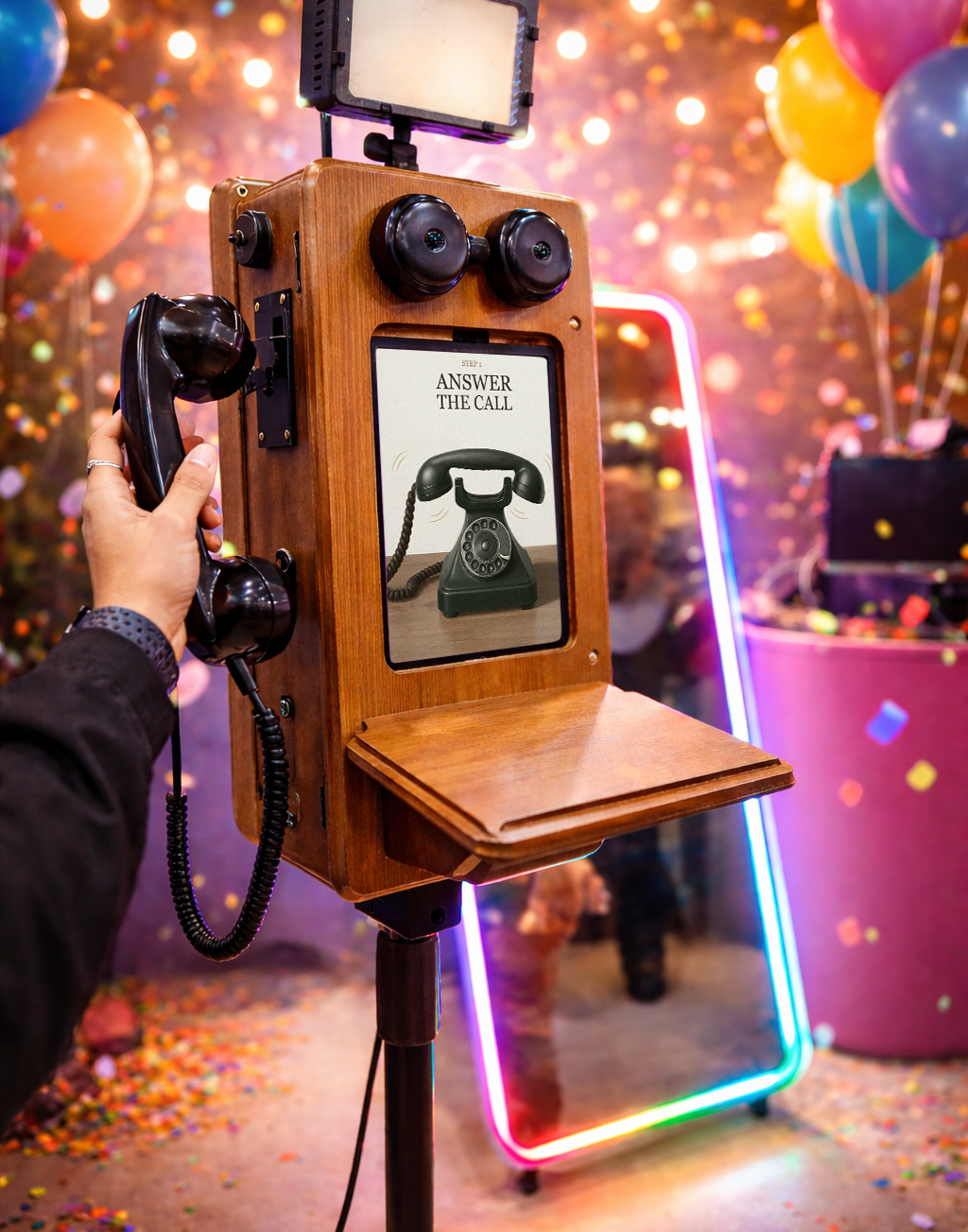
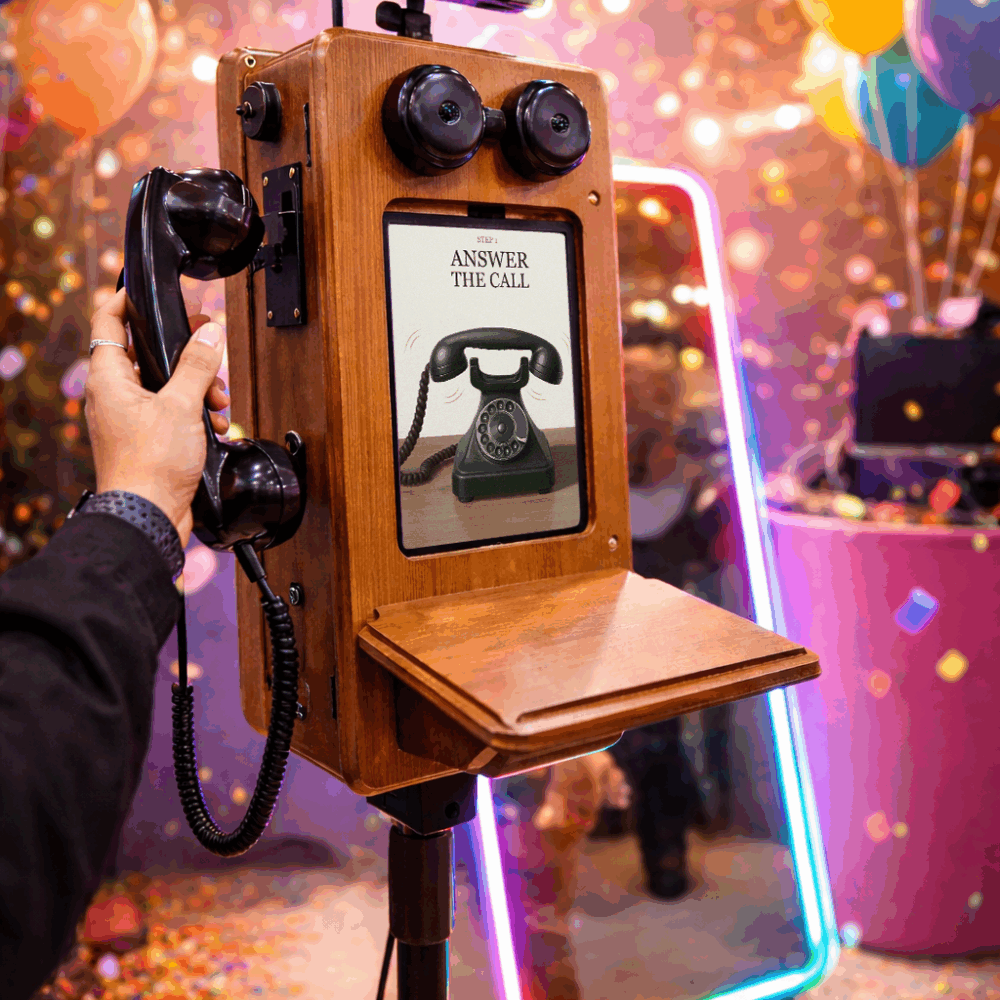
Connect the sensor to a vintage audio guestbook phone.
When the receiver is lifted, the distance shifts — automatically triggering a recording session.
Perfect for:
- Weddings
- Corporate events
- Emotional memory captures
Why the Proximity Sensor?
✔ Smart Bluetooth or Ethernet connectivity
✔ Seamless integration with Touchpix
✔ Instant distance-based triggering
✔ Fully customizable triggers
✔ Compact and easy to install
✔ Designed for creative event professionals
What’s Included:
- Sensor box
- USB-A to USB-C cable for power
- Tie wraps
- Velcro straps
- Manual
How It Works:
The sensor continuously measures distance.
When that distance changes according to your configured settings, it can automatically:
- Start a photo session
- Trigger a video recording
- Launch an animation
- Start an audio guestbook recording
It’s fully configurable inside Touchpix, giving you complete creative control.
Step 1. Place the Sensor Box in a logical position within your setup.
Think about where the physical interaction will happen.
Step 2. Power the box using the included USB-C cable.
Step 3. Manage your settings in the Sensor Manager on your phone or PC.
Adjust distance thresholds and trigger behavior.
Step 4. Connect your Sensor Box with Touchpix via Bluetooth or Ethernet.
Step 5. Select your triggers inside Touchpix.
Choose what action should happen when the distance changes.
Step 6. Let’s go!
Your interactive experience is ready.
Turn Movement into Magic
With The Proximity Sensor, physical movement becomes digital interaction.
Every kick, step, lift, or motion can trigger a moment.
Create immersive, hands-free activations that surprise your guests and elevate your photo booth experience beyond the touchscreen.
More interaction. More creativity. More unforgettable moments.
| Weight | 1 kg |
|---|---|
| Dimensions | 3 × 3 × 3 cm |