





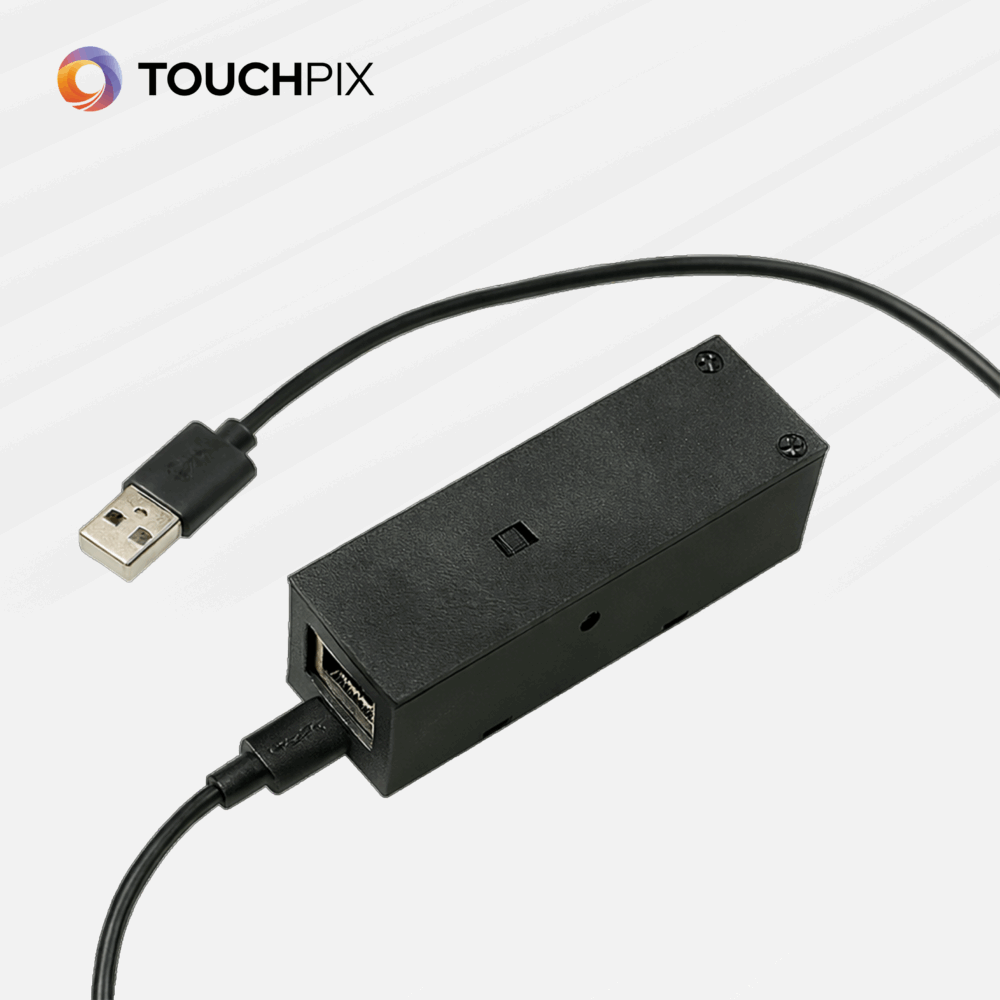

Bike Sensor – The smart trigger for interactive Photo Booth experiences
Discover the Bike Sensor, the newest smart device that seamlessly integrates with Touchpix and unlocks a whole new world of interactive activations.
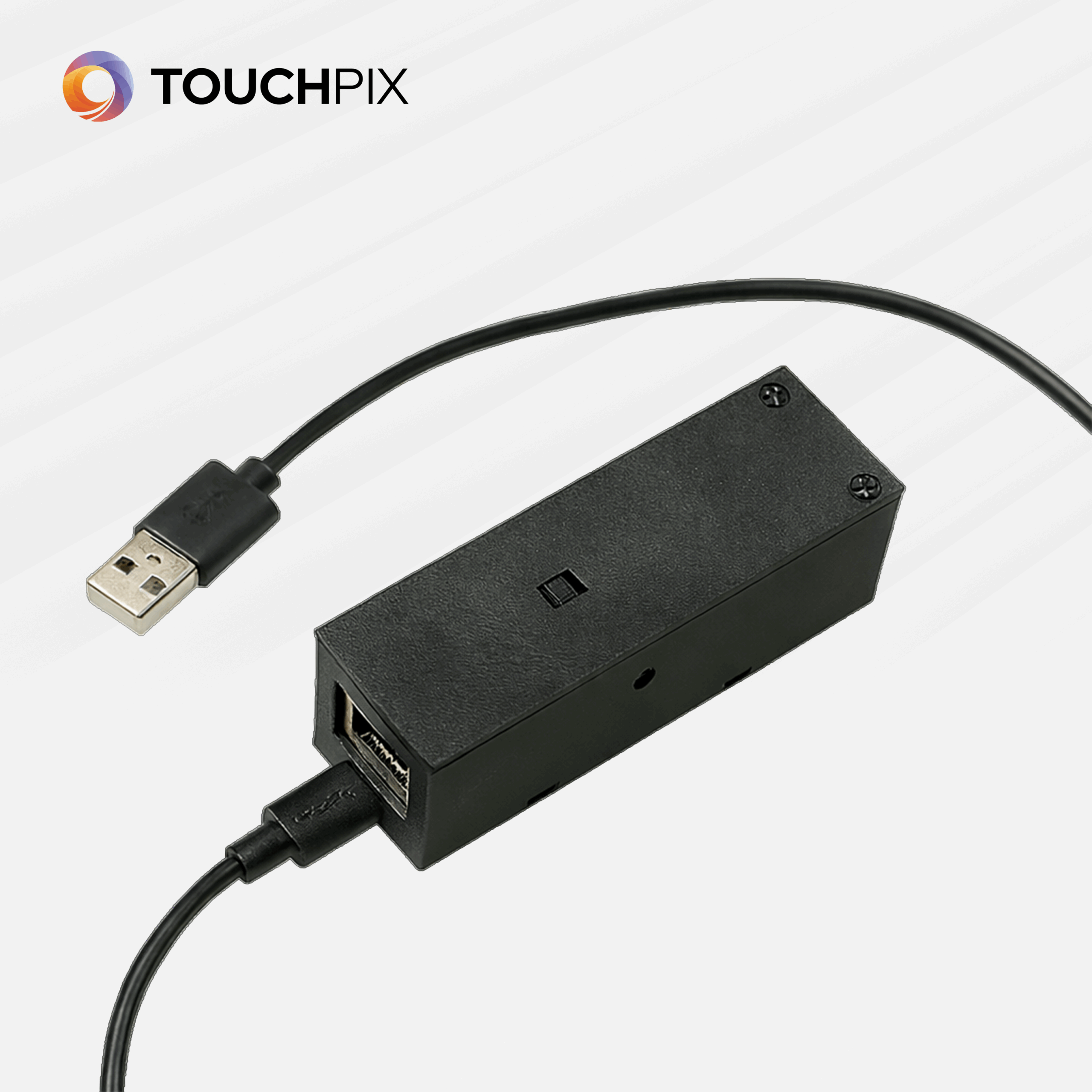
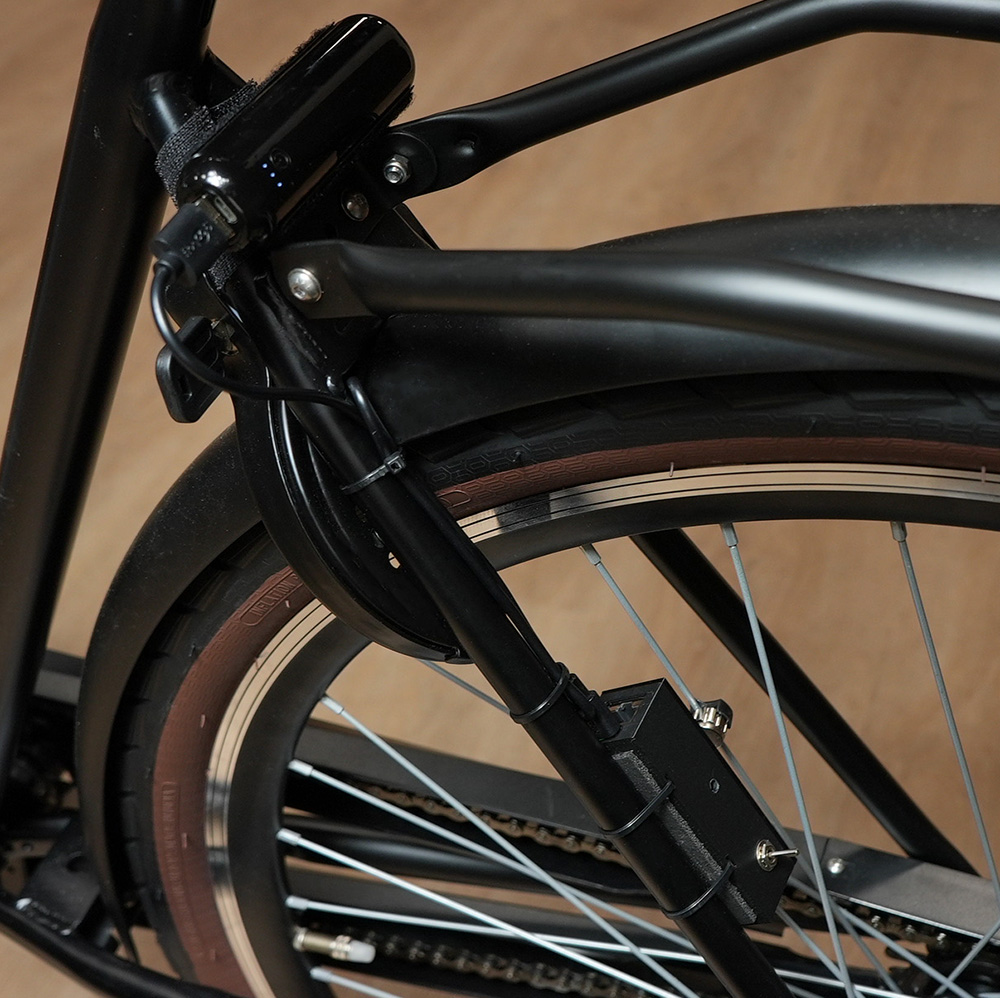
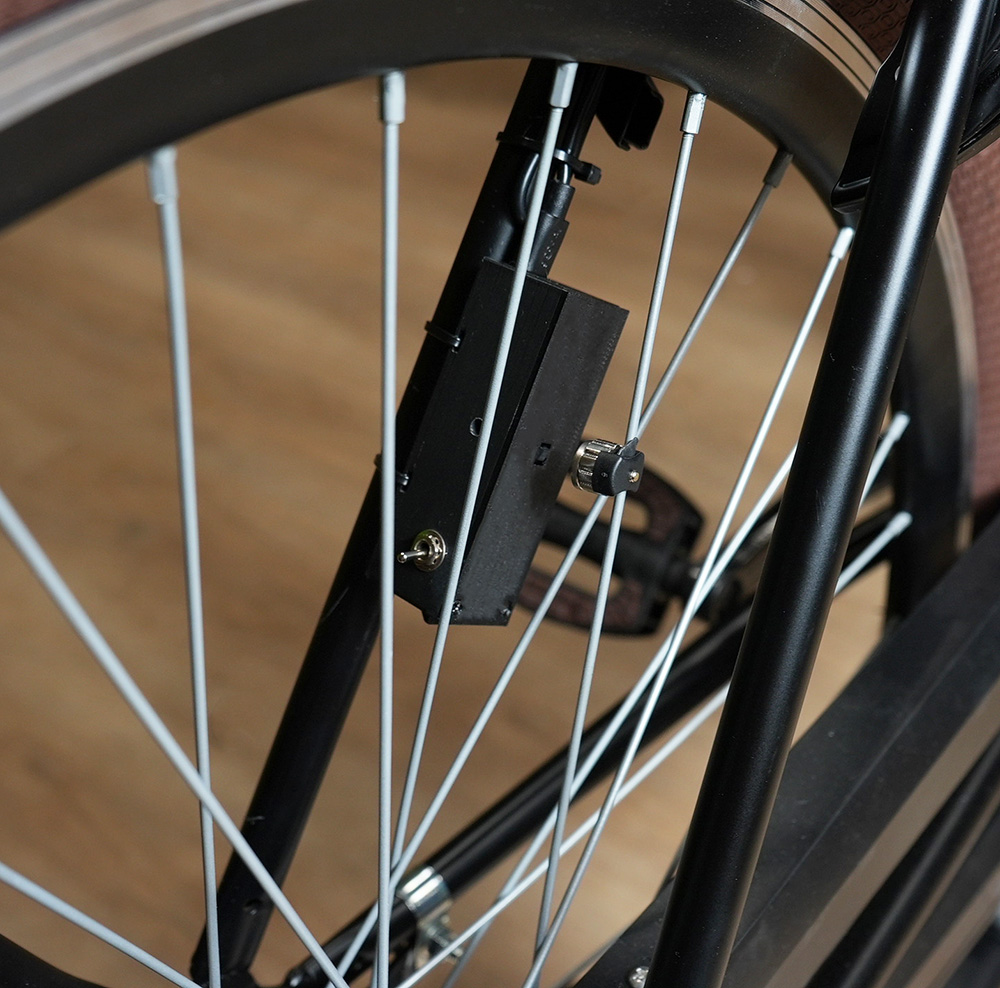
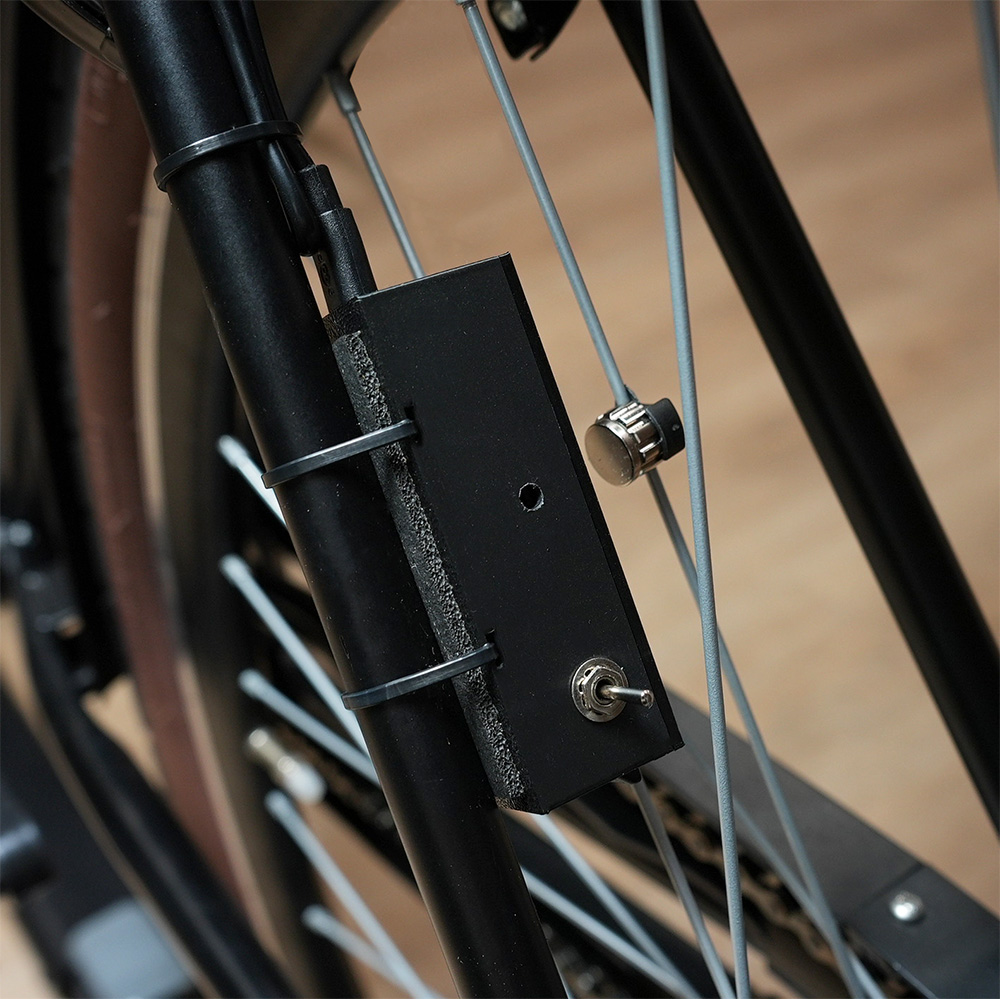
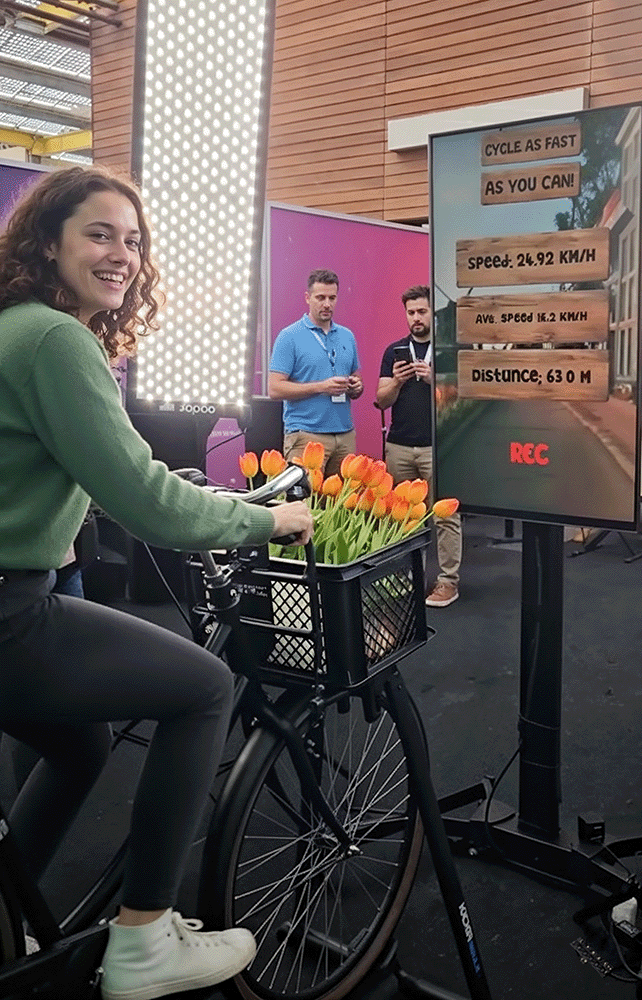
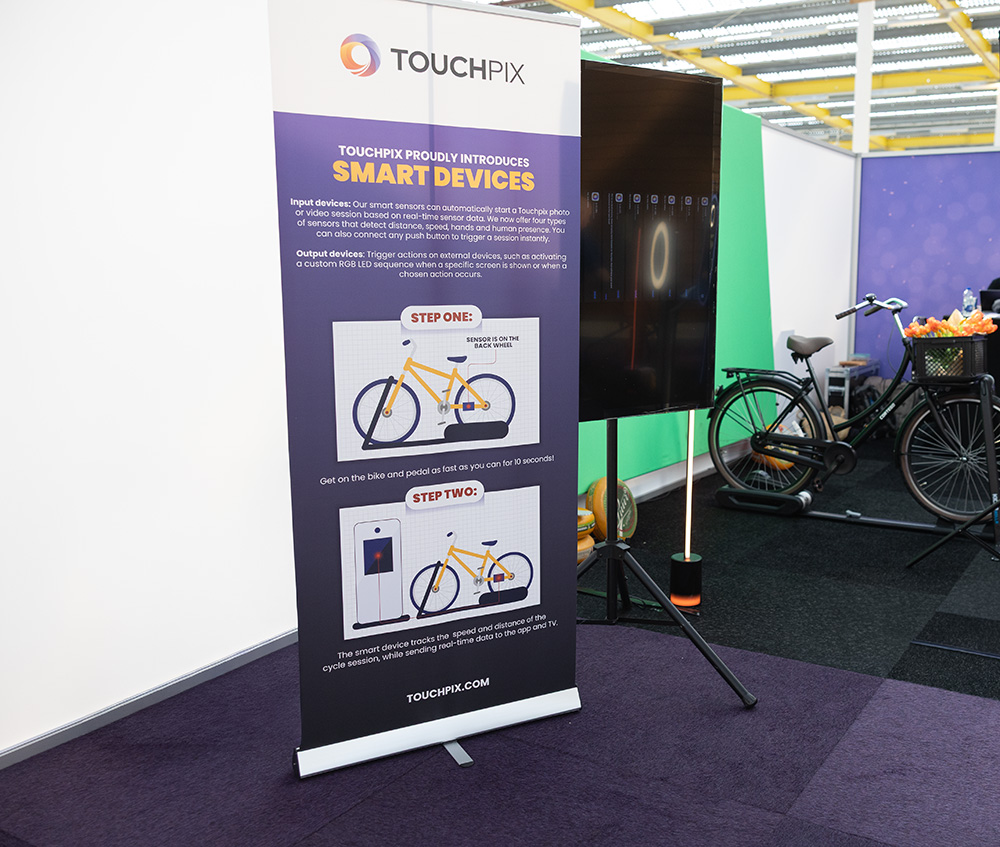
The Bike Sensor is easily mounted on the back of a bicycle frame, with a spoke magnet placed at the same height on one of the spokes. As the wheel turns, the sensor registers every movement. Thanks to the direct integration with our app, you can create unique and playful possibilities for your photobooth setup.
Interactive photo booth experiences
With real-time sensor data, you decide exactly when a session is triggered. For example:
-
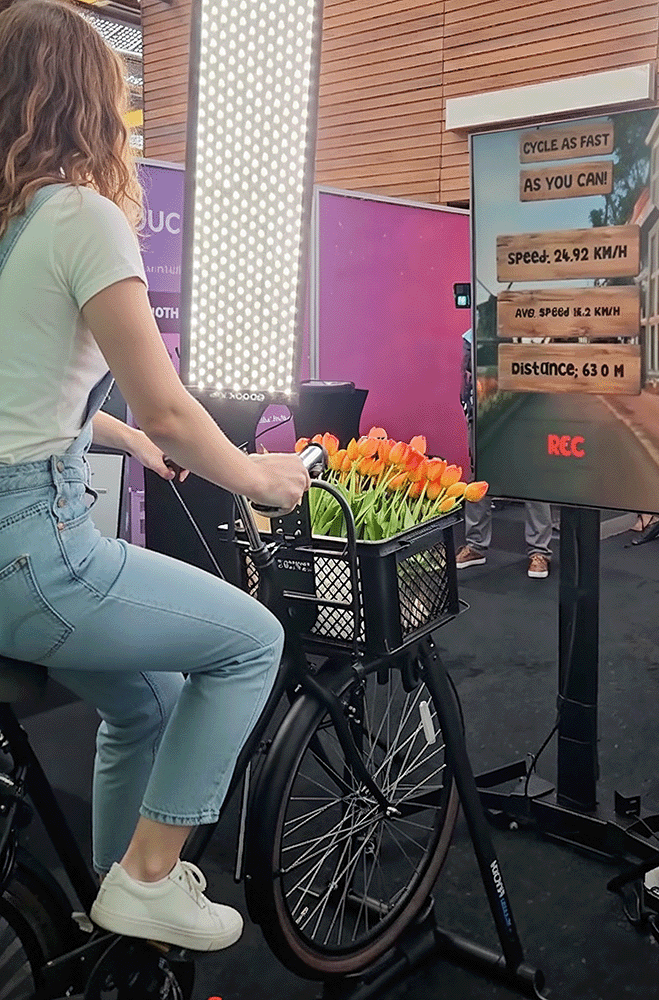
Cycle faster than X km/h to start a session
-
Trigger the system to start at a certain speed
-
Play an animation when the bike comes to a stop
More smart devices coming soon
The Bike Sensor is just the first in our new line of smart devices. While this sensor is specifically designed for the bicycle concept, we are also developing additional devices with completely different interaction methods—such as:
-
Push buttons
-
Hand or human presence detection
-
Game mechanic triggers and other creative interaction modules
These will soon be available in our shop, allowing operators and creators to build their own interactive concepts using the same seamless integration with our App.
Why the Bike Sensor?
-
Real-time data inside the Touchpix app
-
Flexible triggers for endless creative setups
-
Fast installation and simple WiFi configuration
-
Compatible with many interactive applications
-
Perfect for brands, activations, trade shows, and photobooth operators who want to offer something extra
Bring movement to life in your photobooth experiences—with the Bike Sensor, the smartest way to create interaction.
What’s Included:
-
Sensor box
- USB-A to USB-C cable for power
-
Anti-slip vilt
- Spoke magnet
-
Tie wraps
- Velcro straps
-
Manual
How It Works:
The Bike Sensor uses a simple yet highly reliable magnetic detection system to measure wheel rotation and convert it into real-time speed data for your photobooth setup.
-
Mount the sensor
Attach the Bike Sensor to the back of the bicycle frame. -
Place the spoke magnet
Position the magnet on one of the spokes at the same height as the sensor. Each time the magnet passes the sensor, a pulse is registered. -
Connect via WiFi
Power the device and connect to its WiFi network to access the Bike Sensor Manager, where you can configure your settings. -
Set your triggers
Inside the manager, define how the speed data interacts with Touchpix — for example:-
Start a session above a chosen speed
-
Trigger animations or effects
-
Create custom event logic based on rotation data
-
-
Start the experience
Once configured, the Bike Sensor continuously sends real-time data to Touchpix, creating a seamless and responsive bike-based activation.
| Weight | 1 kg |
|---|---|
| Dimensions | 3 × 3 × 3 cm |