


The Push Button – Add instant interaction to your photo booth experience
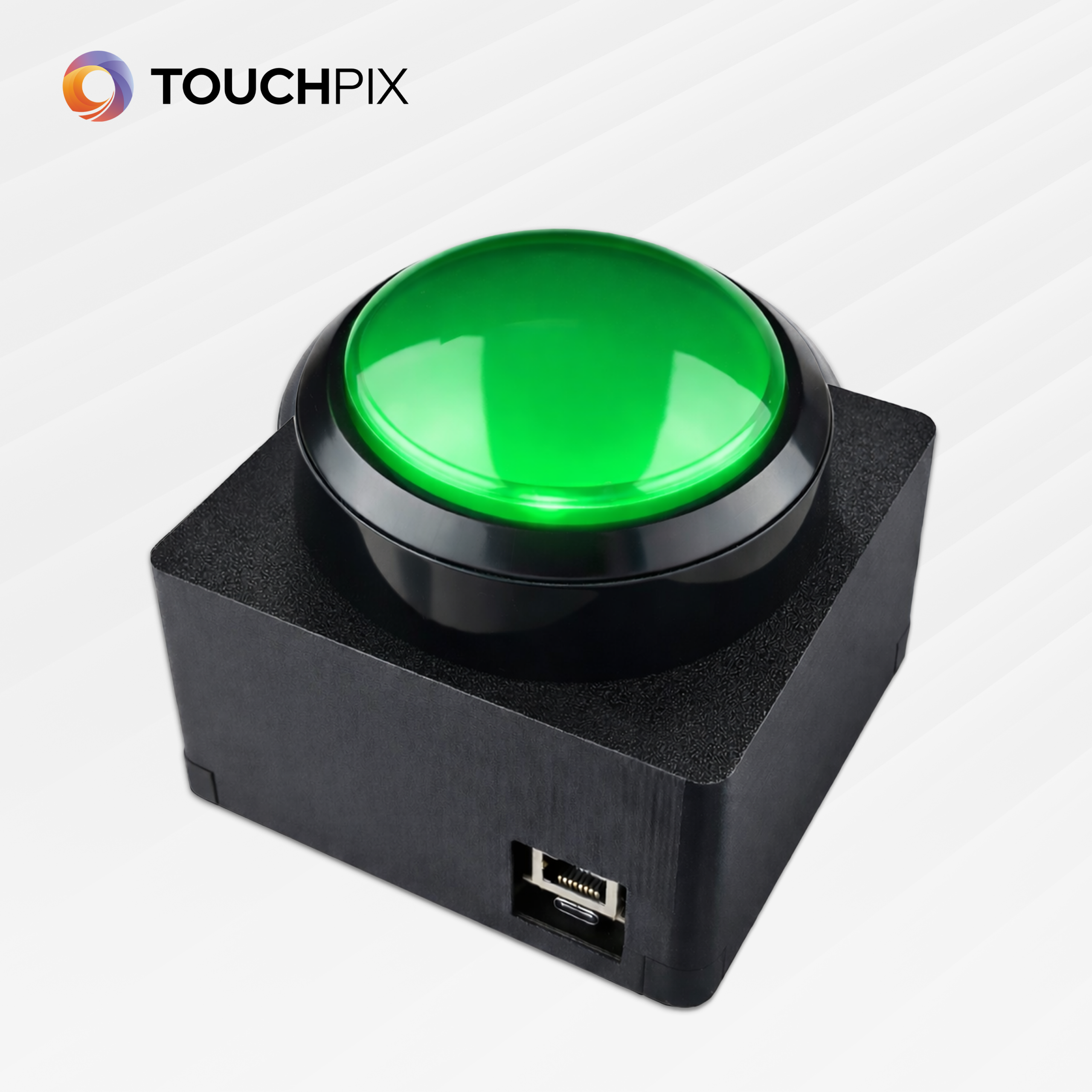
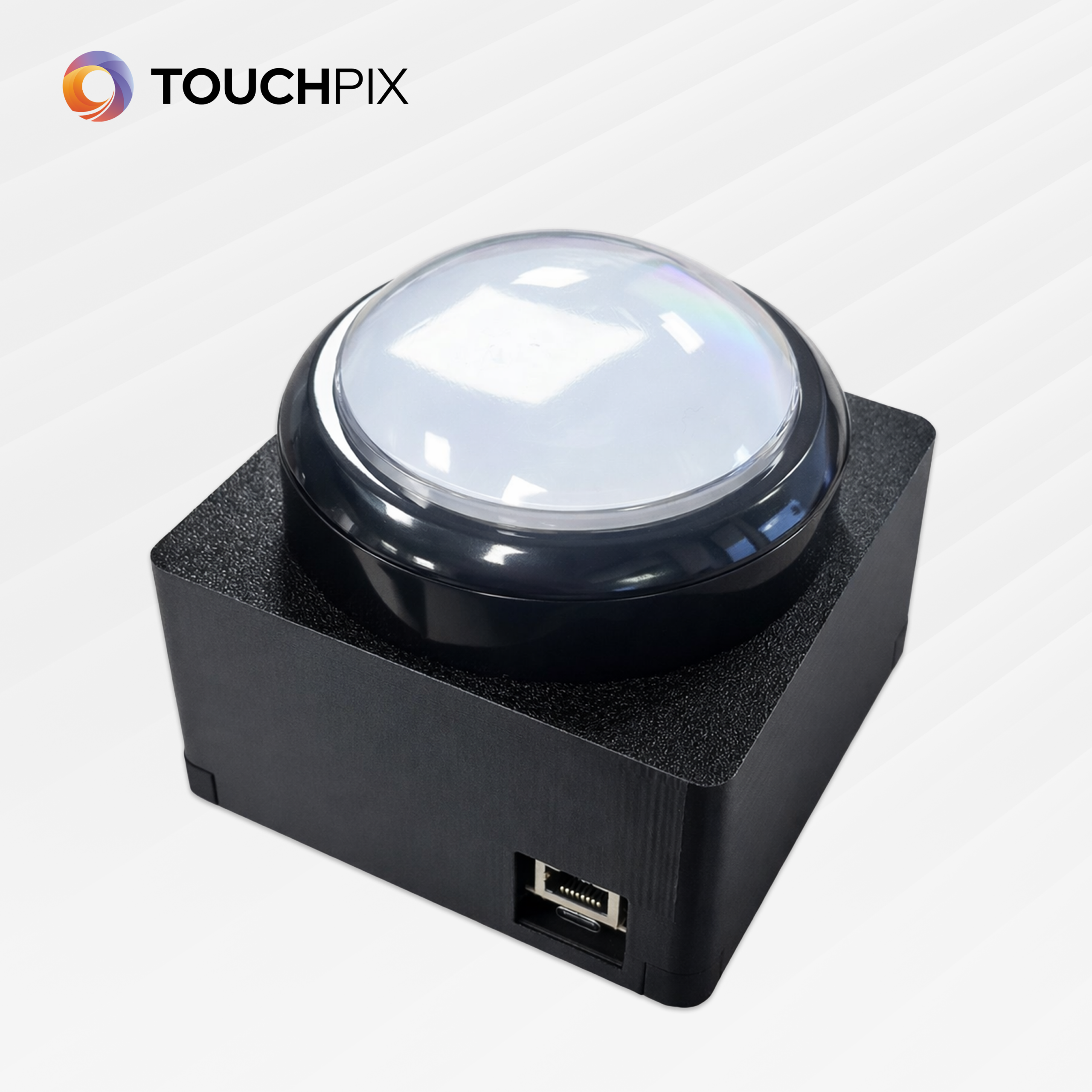
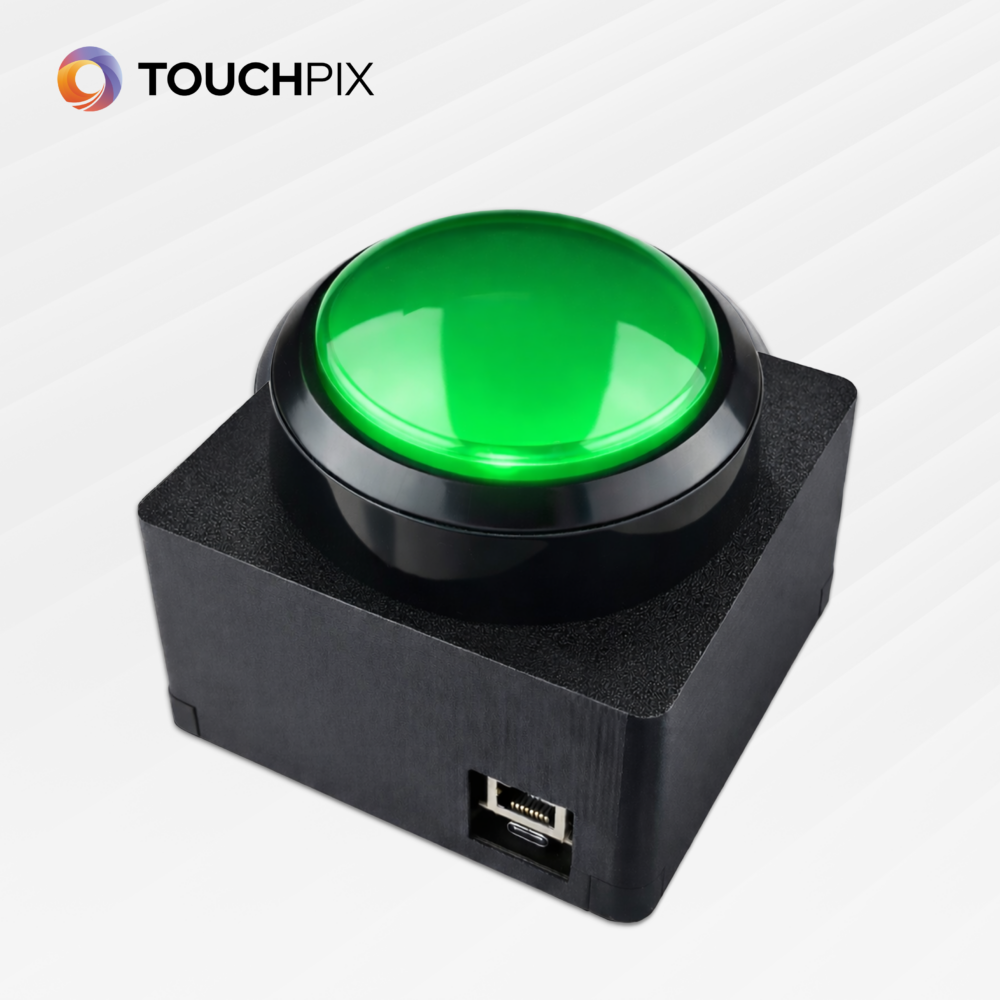
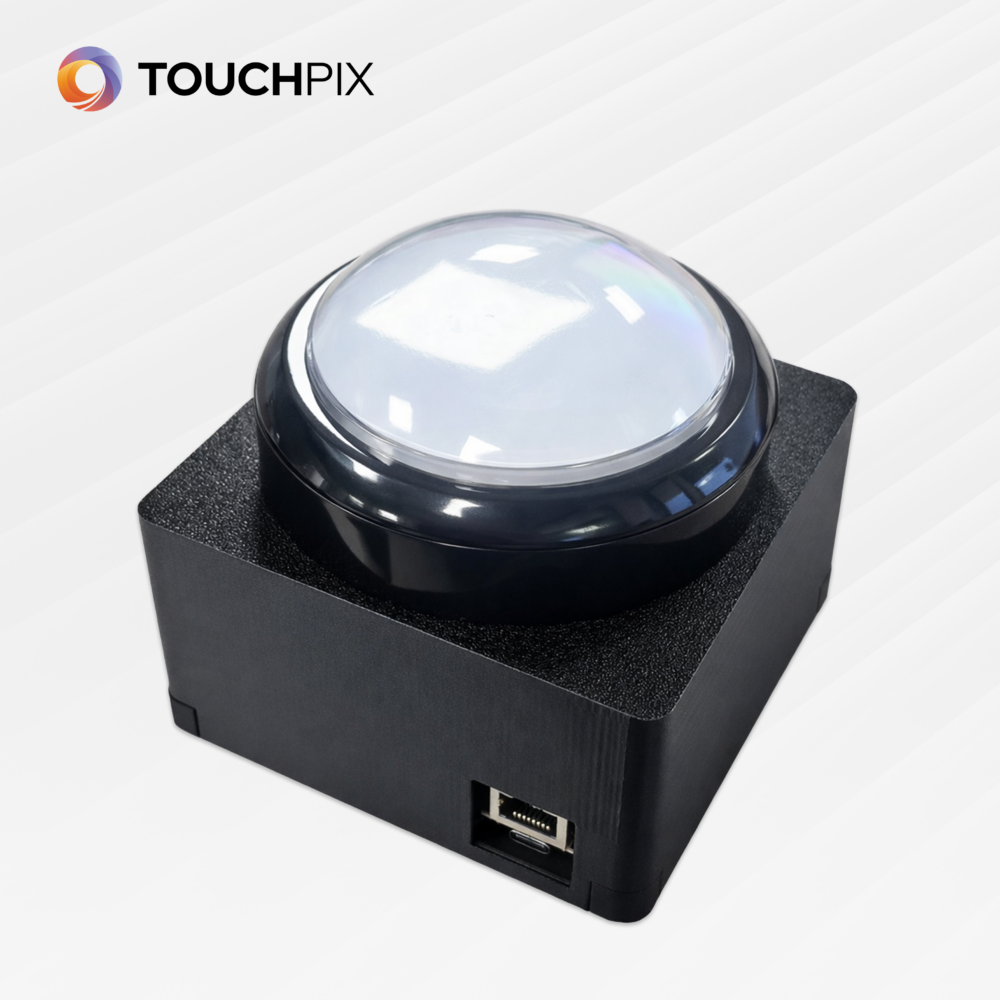
Meet The Push Button – a fun and interactive add-on designed to take your photo booth experience to the next level.
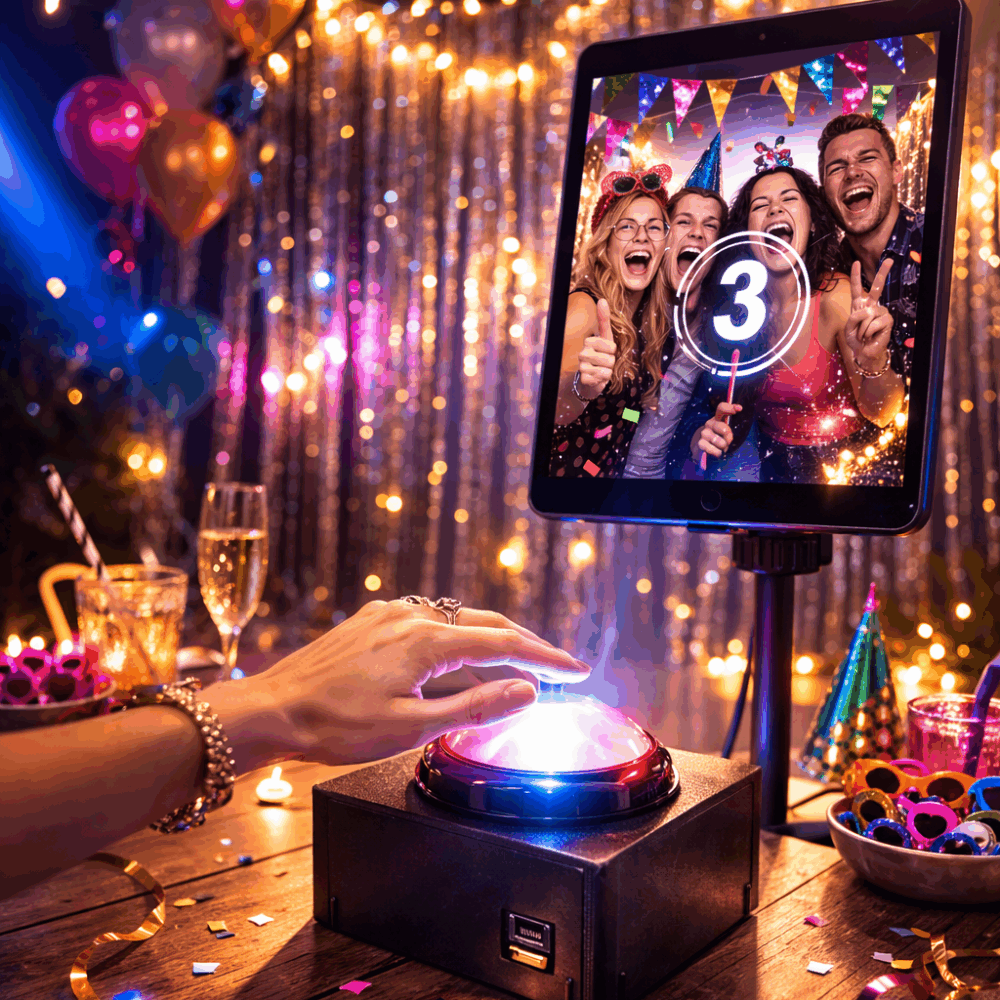
This smart device seamlessly connects with Touchpix via Bluetooth or Ethernet, making setup quick and effortless. Once connected, The Push Button becomes a powerful interactive trigger that adds excitement and engagement to any event by triggering photo and video session.
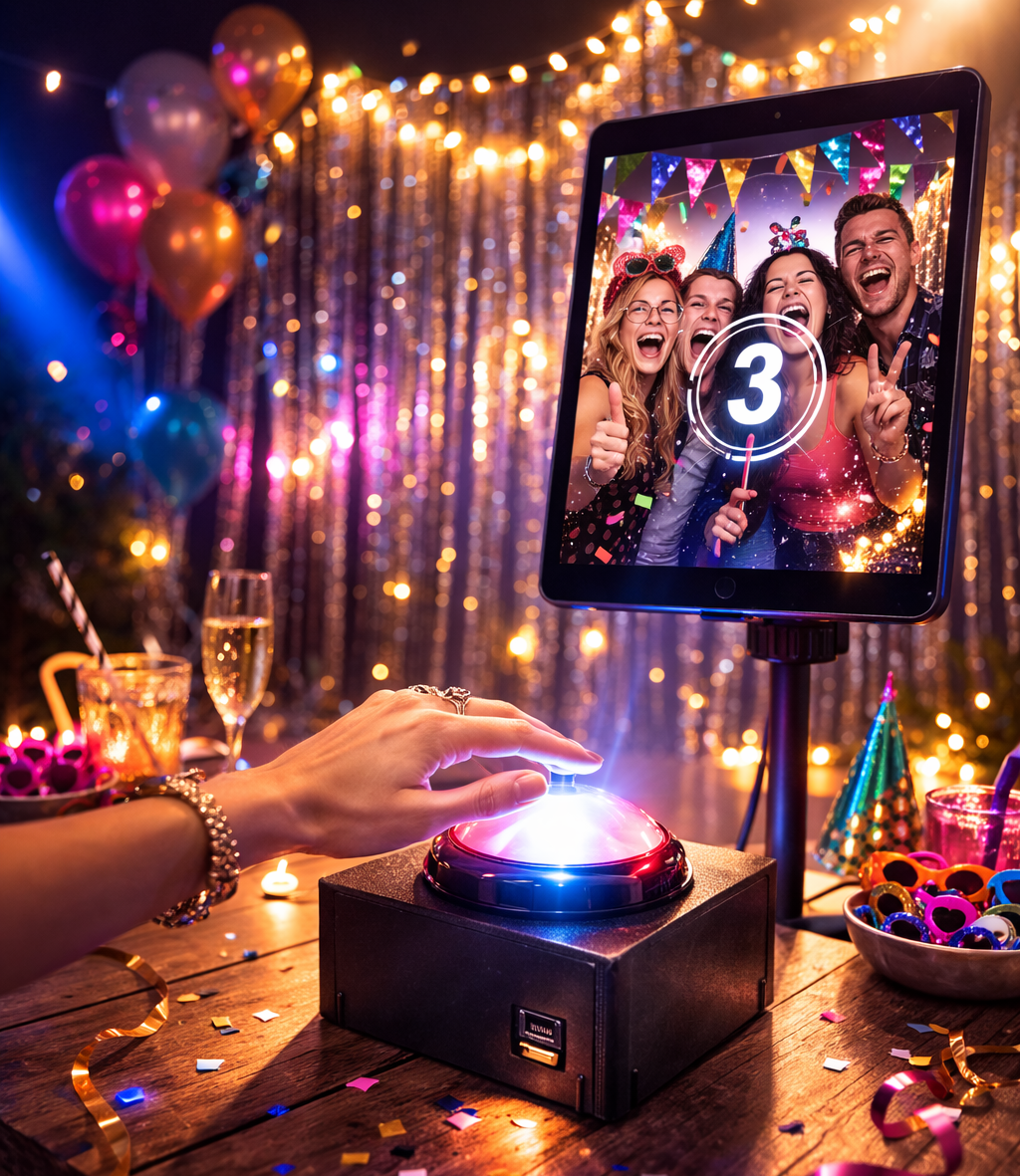
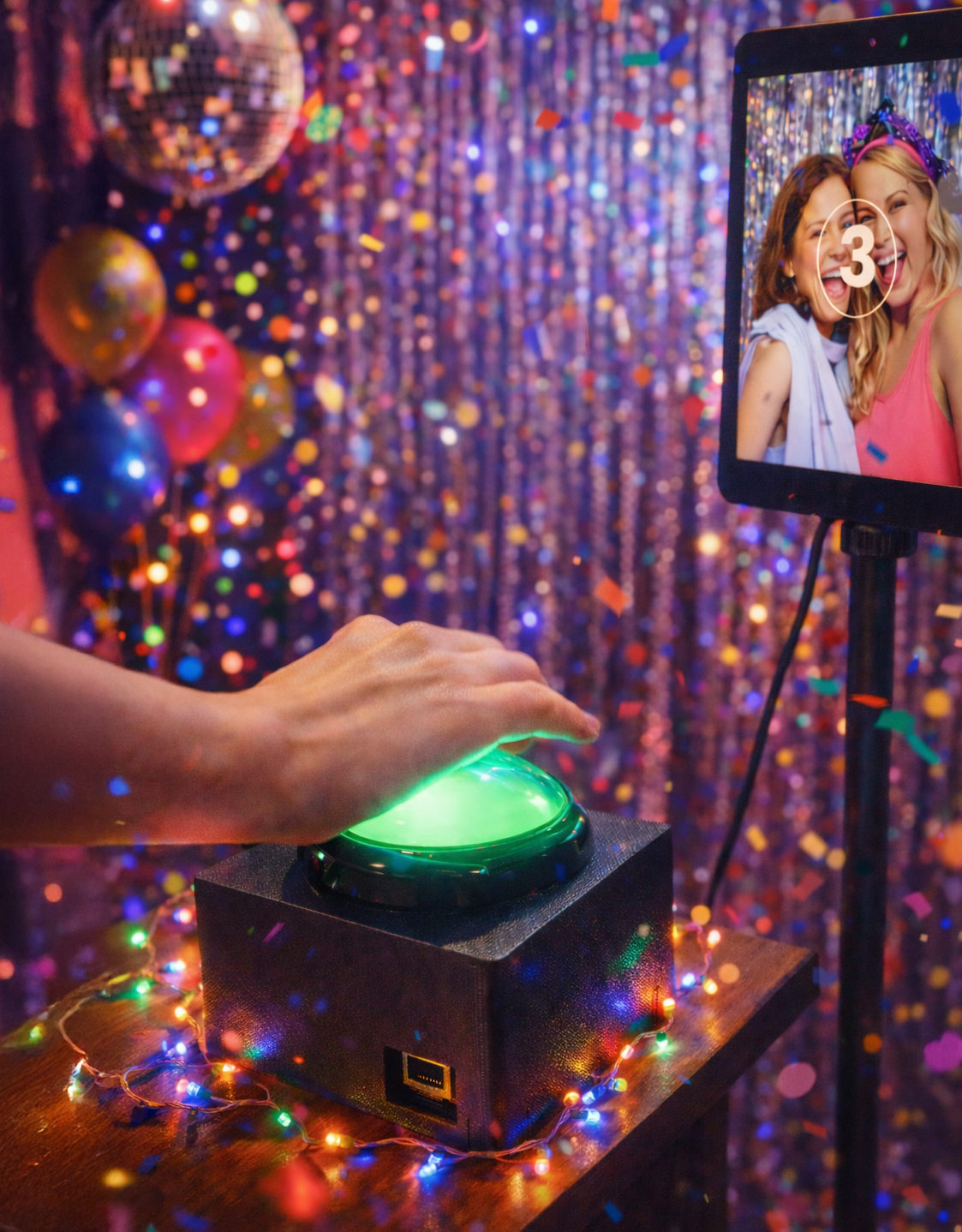
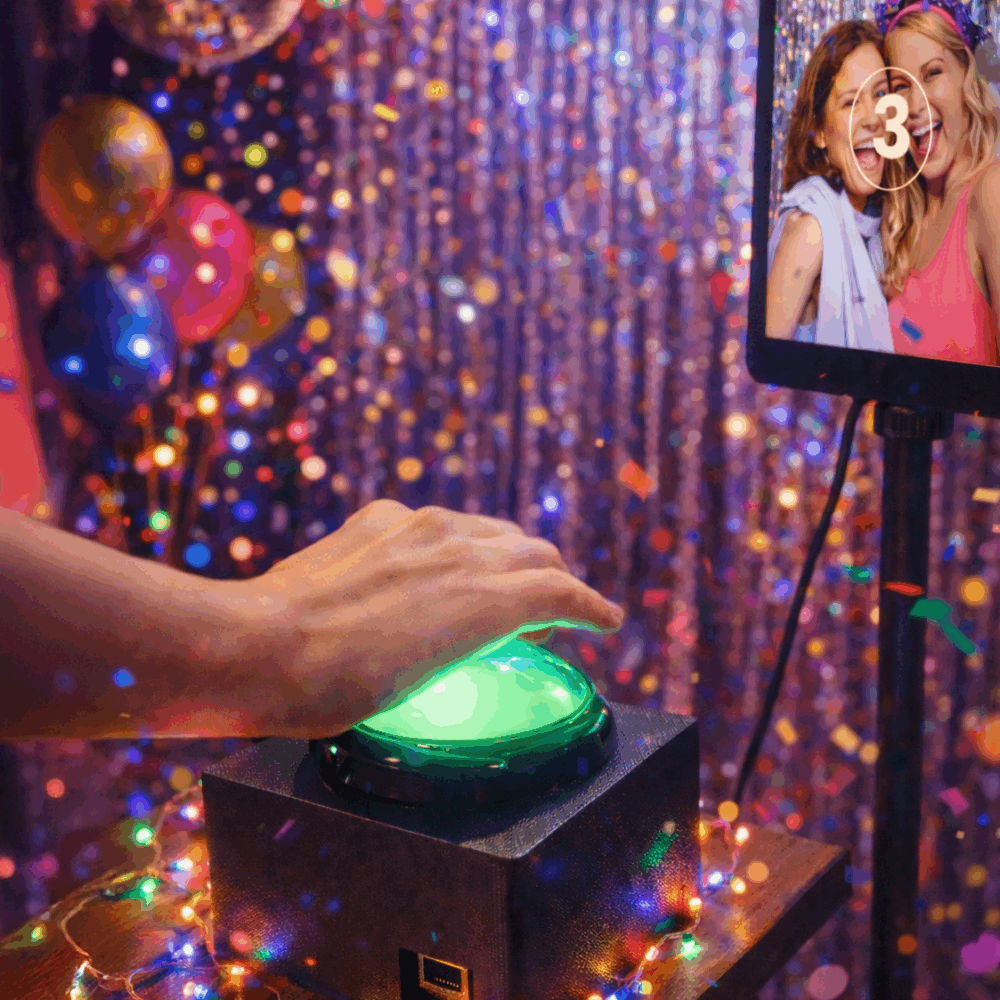
With just one press, guests become part of the experience. It’s simple, intuitive, and incredibly fun.
Whether you want to create anticipation before a photo, add a playful moment to a boomerang, or build a fully customised interactive flow — The Push Button gives you complete creative control.
Press. Capture. Celebrate.
What’s Included:
- Push Button with box
- USB-A to USB-C cable for power
- Manual
How It Works:
Step 1. Place The Push Button on a table or on a pedestal next to your photo booth.
Step 2. Power the box using the included USB-C cable.
Step 3. Manage your settings in the Sensor Manager on your phone or PC.
Step 4. Connect The Push Button to Touchpix via Bluetooth or Ethernet.
Step 5. Configure your triggers inside Touchpix.
Step 6. Let’s go!
In just minutes, you’ve transformed your booth into a fully interactive experience.
| Weight | 1 kg |
|---|---|
| Dimensions | 3 × 3 × 3 cm |
| Color | White, Green |